
Hours of service,
logged electronically.
Logs happen electronically, records are ready when an inspector asks, and you can see where the fleet stands from your desk.
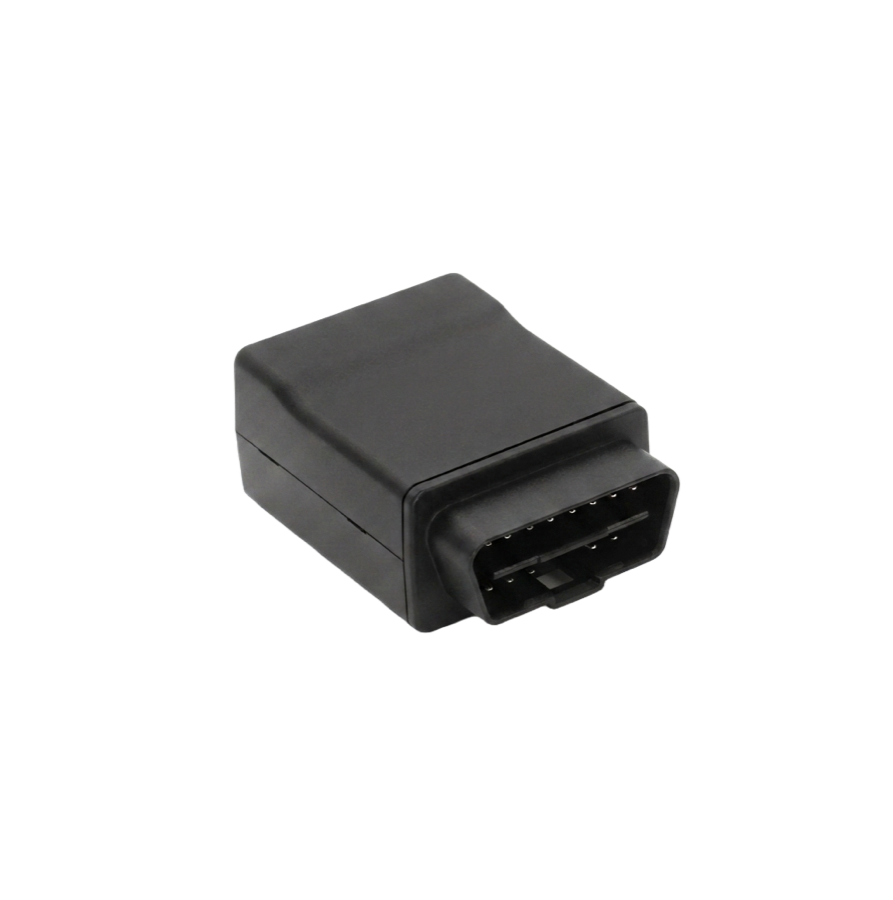
What the driver sees.
Drivers see their status and their remaining hours on screen. Nothing to fill in at the end of a shift, and nothing to reconstruct later.
- Current duty status and hours remaining, in the cab
- Records kept inspection-ready rather than assembled after the fact
- Self-installs into the OBD port in minutes
What the office sees.
Compliance status rolls up into your dashboard next to your tracking and video, so the whole fleet is one view rather than a stack of separate tools.
- Fleet-wide hours-of-service picture in one place
- Jurisdiction mileage collected for IFTA
- Same login as your tracking and cameras
Logs that are ready before anyone asks for them.
What the compliance list below means for the driver, and for you.
Roadside inspections stop being a scramble
Records are kept inspection-ready, and the driver shows status and remaining hours from the cab.
IFTA stops eating a weekend
Jurisdiction mileage is collected as the truck drives, instead of being rebuilt from receipts later.
You see a problem before an inspector does
Fleet-wide compliance sits in your dashboard, so a driver running out of hours shows up on your screen.
The pre-trip lands in the same place as the log
Drivers record pre-trip and post-trip inspections on the device they're already using, so nothing gets transcribed and nothing gets lost behind the seat.
A skipped inspection doesn't stay quiet
Missed inspections and recorded defects raise an alert, so the office hears about it in the yard rather than at the scale house.
Defects reach the person who fixes them
A reported defect routes from driver to mechanic to fleet manager, with the repair and sign-off attached to the same record.
IQ-ELD, in full.
Compliance
- Logging
- Electronic hours-of-service records, kept inspection-ready
- Roadside
- Driver shows current status and remaining hours from the cab
- Office
- Fleet-wide compliance status inside your dashboard
- Mileage
- Jurisdiction mileage for IFTA reporting
Hardware
- Connection
- OBD-II port, with J1939 and CAN on selected variants
- Install
- Self-install, no tools
- Network
- LTE Cat 1 and Cat M1
- Positioning
- GPS with GLONASS and SBAS augmentation
IQ-ELD runs on the IQ-Plug platform, so the hardware figures are the IQ-Plug family's.
All specifications are typical and subject to change without notice.
Asked about IQ-ELD.
Does IQ-ELD meet the ELD mandate?
What happens at a roadside inspection?
Do drivers need training?
Can I see the whole fleet's compliance in one place?
Is there a contract?
Talk to us about IQ-ELD.
We'll show you IQ-ELD and the compliance view in your dashboard on a live demo, then you decide. No contract either way.
Prefer to talk? 1-888-606-6444