
Find out the reefer is warm
before the load is lost.
Temperature and humidity watched in transit, reported next to the trailer's own location in your dashboard, with the alert arriving while the driver can still act on it.
You don't need a big fleet. Most customers run 20 to 50 vehicles, and plenty run fewer.
Most owners find out when the receiver does.
A reefer that drifts out of range for a few hours can cost the whole load, and the usual moment of discovery is the dock, which is far too late.
- Temperature monitored in transit
- Humidity where the sensor is configured for it
- Alerts while the driver can still do something
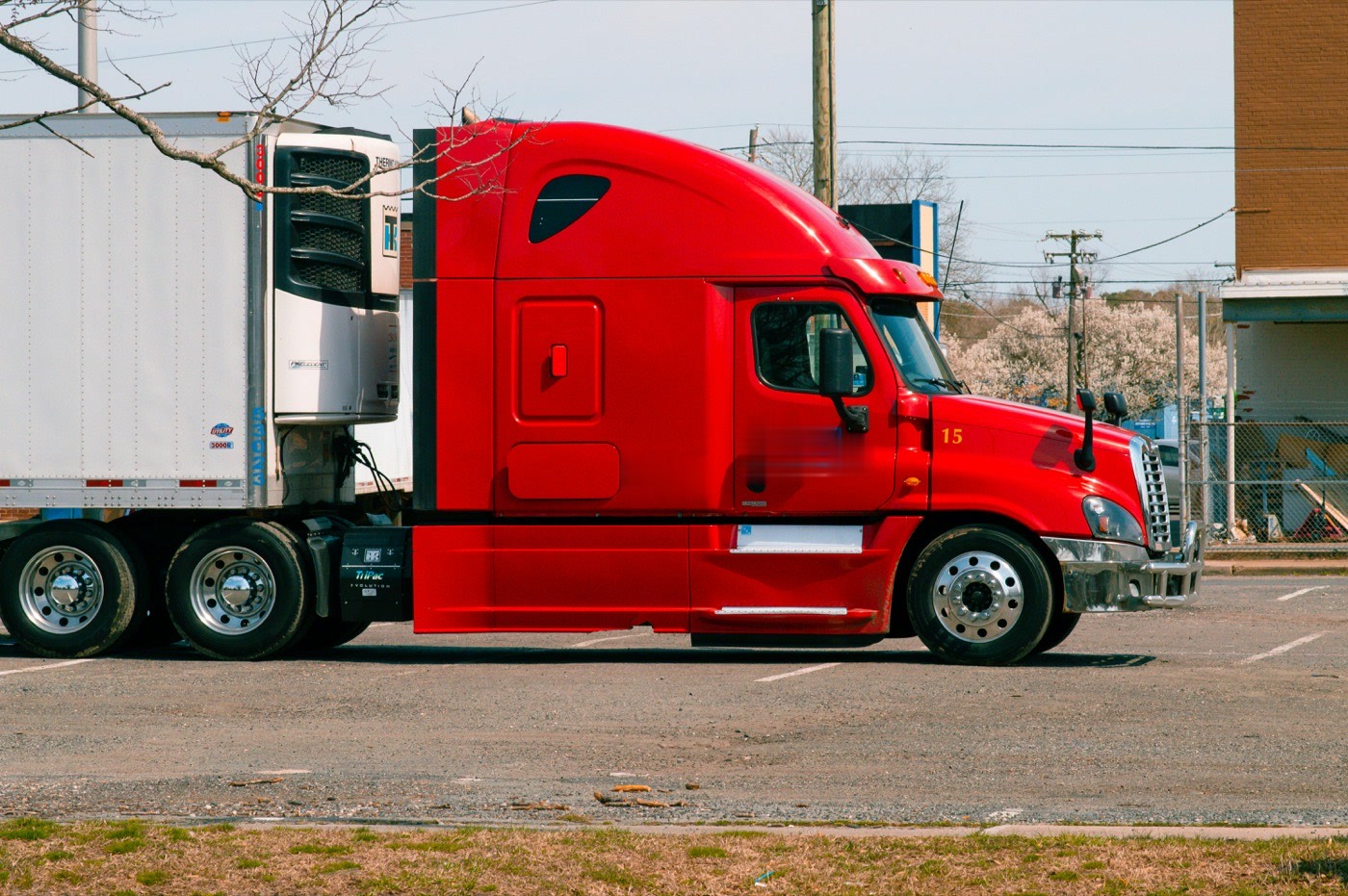
Dock disputes end with the history.
Every delivery keeps a recorded temperature history, so a question about whether the load stayed in range is answered rather than argued.
- Per-delivery history in your dashboard
- Condition data beside the trailer location
- Answers the receiver before the argument starts
Know about the temperature before the receiver does.
What it looks like on a load that has to arrive cold.
You hear about it while there is still time
The alert goes out while the driver can still do something about it.
A dock dispute ends with the record
There is a temperature history for every delivery.
It travels with the load
The sensor sits in the load space and reports next to the trailer's own location in your dashboard.
Cold chain monitoring, in full.
Monitoring
- Temperature
- Monitored in transit
- Humidity
- Where the sensor is configured for it
- Alerting
- Raised while the driver can still act
- Record
- Per-delivery history, which is what settles a dock dispute
Deployment
- Placement
- In the load space
- Pairing
- Reports alongside the trailer's location in your dashboard
- Power
- Internal cell
Configuration varies by trailer and load. Talk to us about what your routes need: 1-888-606-6444.
Asked about cold chain monitoring.
What gets monitored?
When do I find out about a problem?
Does it work with the trailer tracker?
Is there a record afterwards?
Is there a contract?
Know where every tool is by Friday.
A live demo of Tool Tags, gateways, and the dashboard, sized for your crews. No contract either way.
Prefer to talk? 1-888-606-6444