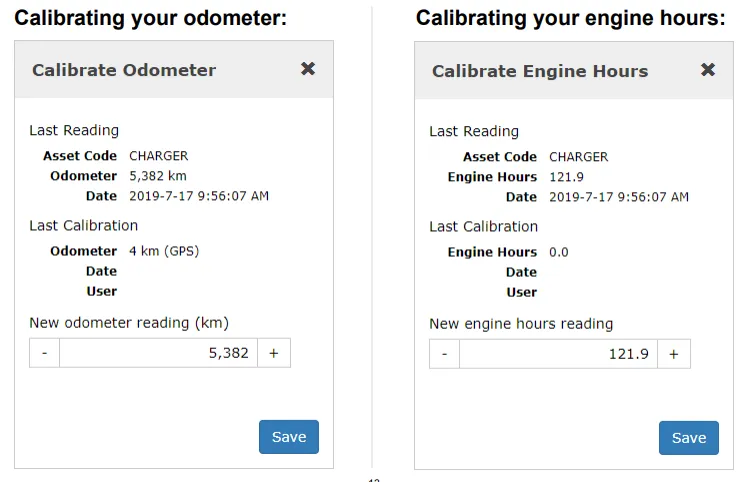
Enter your new odometer/engine hours value in the “New odometer/engine hours reading” field and select “Save.”
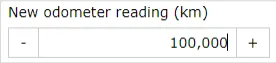

Set the odometer or engine hours to the real reading on the asset, so every figure the platform reports afterwards is right.
Enter your new odometer/engine hours value in the “New odometer/engine hours reading” field and select “Save.”
Client Care picks up the phone. If you need incident footage pulled for an insurer, say so when you call.